Browse / Games: Action · Games: Free/Shareware
SilkyGS Port Pack (ClassicsGS volume)
| Year | 2026 |
|---|---|
| Publisher | Lucas Scharenbroich (silky-gs) |
| Developers | Lucas Scharenbroich (IIGS ports); Nintendo, Konami, Tengen, Bumbershoot Software, Evan C. Wright (originals) |
| Control | Keyboard, Joystick, SNES MAX |
| Other Requirements | GS/OS. 8 MB ProDOS data volume, not bootable: mount it next to a System 6 boot disk (or stream it from a CoGS card) and launch each game from its folder in the Finder. |
| System 6 Compatible | Yes |
| Hard Drive Installable | It is a hard drive image |
| Release Status | Free download (the ports, Apache-2.0 source); the games themselves are copyright their original publishers |
About
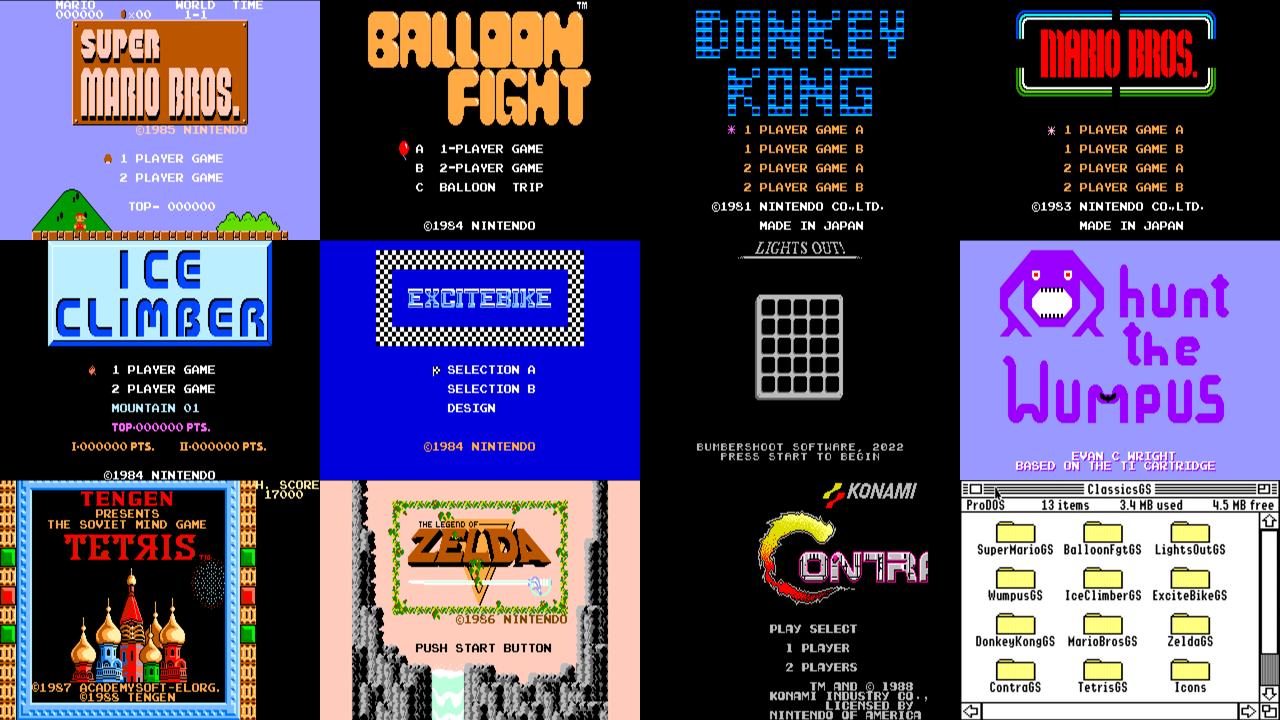
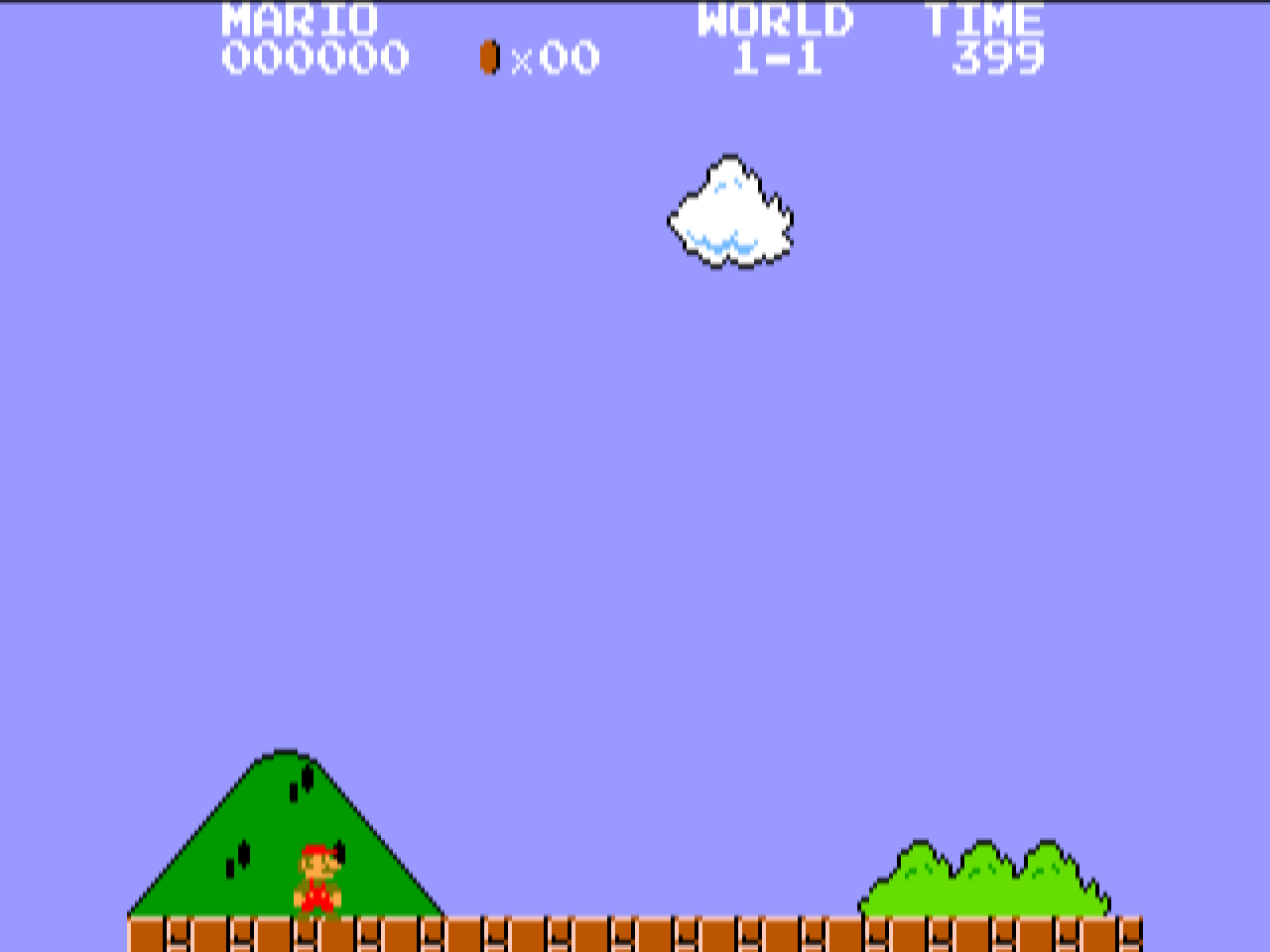
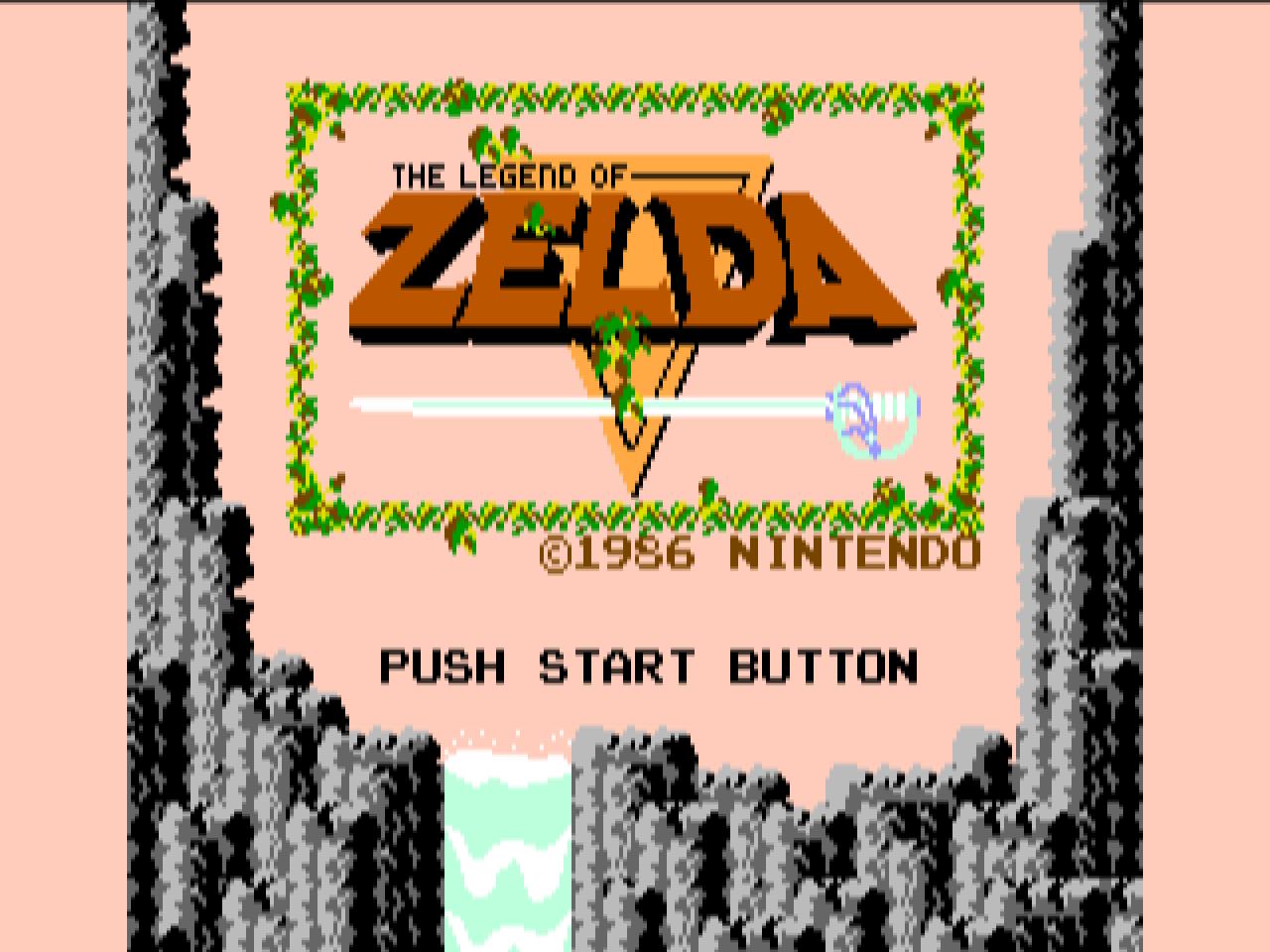
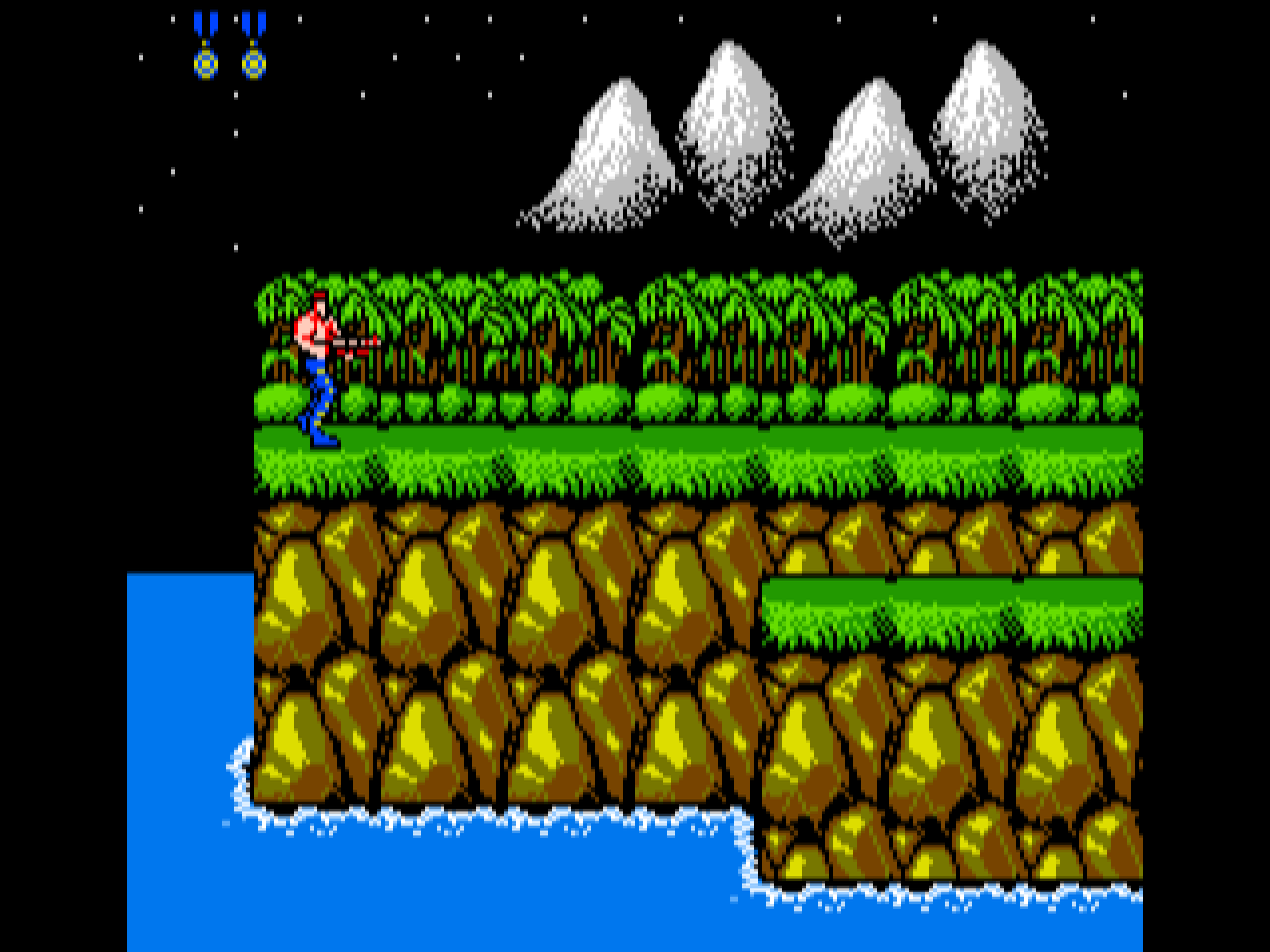
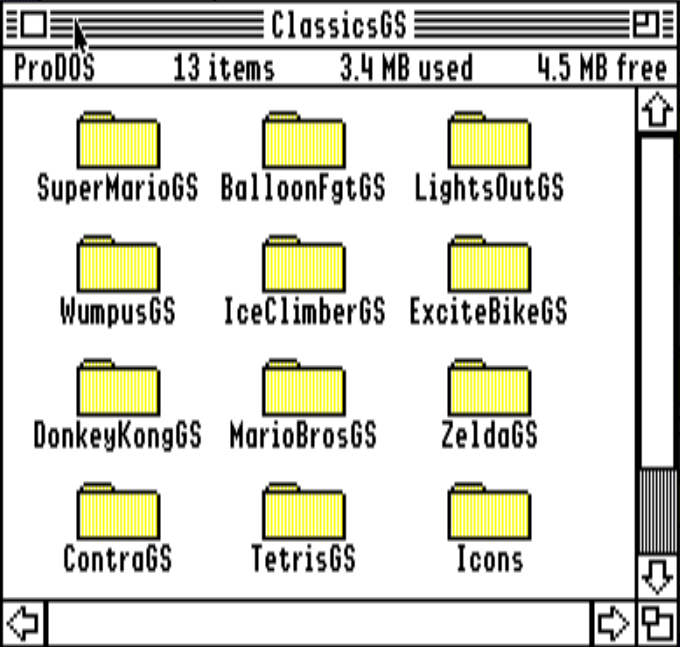
The SilkyGS port pack is Lucas Scharenbroich's collection of NES games running natively on the Apple IIGS, released on 24 October 2026 as v0.0.1 and updated to v0.0.2 on 26 October. Eleven games: Super Mario Bros., Balloon Fight, Donkey Kong, Mario Bros., Ice Climber, Excitebike, The Legend of Zelda and Contra from the NES library, the unlicensed Tengen Tetris, and two NES homebrews, Lights Out and Hunt the Wumpus. Each has its own page here; this page is the 8 MB ClassicsGS volume that holds all of them, one folder per game with the program, a README and an icon.
silky-gs is not an emulator. Each game's 6502 code is disassembled, converted to Merlin32 source and patched by hand to run on the 65816; the runtime takes the place of the NES hardware, catching the PPU and APU register writes, drawing to Super Hi-Res with compiled tiles and sprites, and playing the pulse, triangle and noise channels on the Ensoniq. The 60 Hz vertical blank is the scheduler: each VBL starts the next NES frame, the game yields where it would have waited for the NES's NMI, and the rest of the time goes to drawing. NROM games and MMC1 (Zelda) are supported. Scharenbroich describes the code as an unbroken lineage back to 1998 that began using AI tools in 2026, with heavy use of Opus 5.5 over the two months before the release.
Default keys are the arrows, Apple for A, Option for B, Return for Start and Tab for Select; W A S D, Control and Shift for player 2. ? opens the configuration screen, R resets, Q quits, and each game saves its settings in a .prefs file beside itself. The volume is a data disk, so mount it next to a GS/OS boot disk and double-click a game in the Finder. The eleven single-game 800K disks are on the release page and on each game's page here.
Version 0.0.2 (26 October 2026) fixes keyboard input on real hardware. In 0.0.1 the button keys could interfere with the arrows and, on some machines, lock the computer up. Buttons can now be remapped on keyboard and joystick, Contra's palettes were corrected, a missing line in the Super Mario Bros. ROM code was restored, and the interrupt handlers were reworked so the CDAs open without a crash. The downloads here are the 0.0.2 images.
What is on this volume 12 folders, 11 title pages
A data volume, not bootable. Mount it next to a GS/OS boot disk, open the folder and double-click the program.
| Folder and program | Title page | Notes |
|---|---|---|
SuperMarioGSrun SuperMarioGS | Super Mario Bros. GS | |
BalloonFgtGSrun BalloonFgtGS | Balloon Fight GS | |
DonkeyKongGSrun DonkeyKongGS | Donkey Kong GS | |
MarioBrosGSrun MarioBrosGS | Mario Bros. GS | |
IceClimberGSrun IceClimberGS | Ice Climber GS | |
ExciteBikeGSrun ExciteBikeGS | Excitebike GS | |
LightsOutGSrun LightsOutGS | Lights Out GS | |
WumpusGSrun WumpusGS | Hunt the Wumpus GS | |
TetrisGSrun TetrisGS | Tetris GS (Tengen) | |
ZeldaGSrun ZeldaGS | The Legend of Zelda GS | |
ContraGSrun ContraGS | Contra GS | |
Icons | Icons | Finder icons for the eleven programs |
Downloads
- SilkyGS.2mg on GitHub (8 MB ProDOS volume, release v0.0.2) ↗
- SilkyGS.2mg, a2cogs mirror (8 MB ProDOS volume)
- Release page with the eleven single-game 800K disks ↗
- silky-gs source on GitHub (Apache-2.0) ↗
- Scharenbroich's IIgs game dev channel on YouTube ↗
Screenshots