Browse / Applications: Communication
Connect to Apple II BBSs
| Year | 2026 |
|---|---|
| Publisher | Todd Knight (Captain's Quarters BBS) |
| Developers | Todd Knight (Byte Knight); Spectrum by Ewen Wannop; Marinetti |
| RAM Requirement | 4 MB recommended |
| Control | Keyboard, Mouse |
| Other Requirements | A network connection Marinetti can use (a CoGS card, an Uthernet II, or similar). 32 MB ProDOS hard drive image that boots GS/OS 6.0.3. AppleTalk turned on in the Control Panel for the file server alias. |
| System 6 Compatible | Yes (boots its own GS/OS 6.0.3) |
| Hard Drive Installable | It is a hard drive image |
| Release Status | Free download |
About
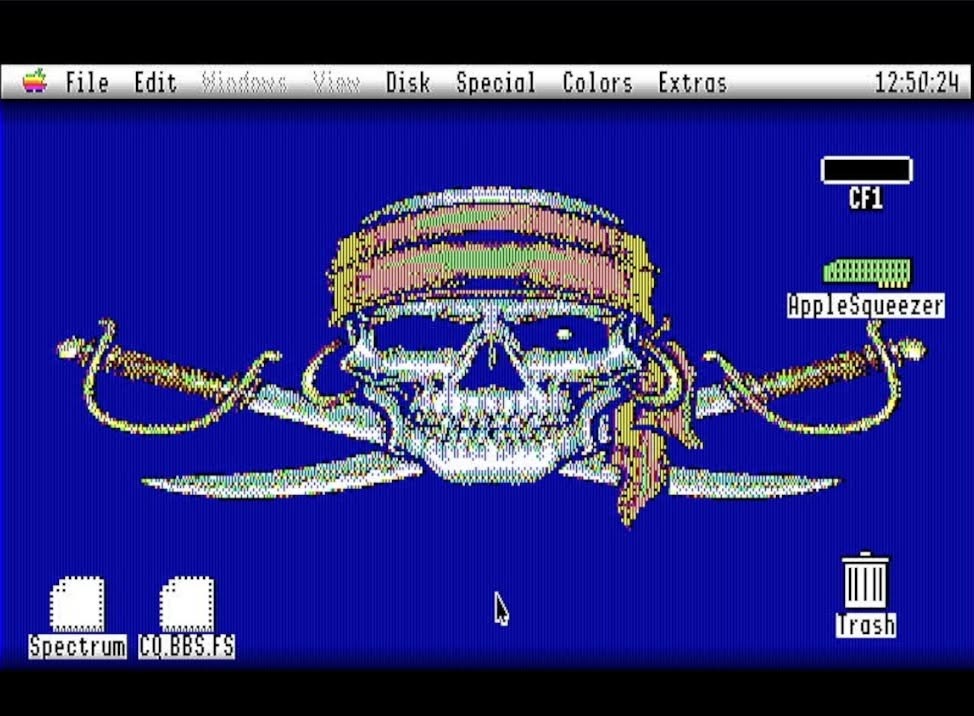
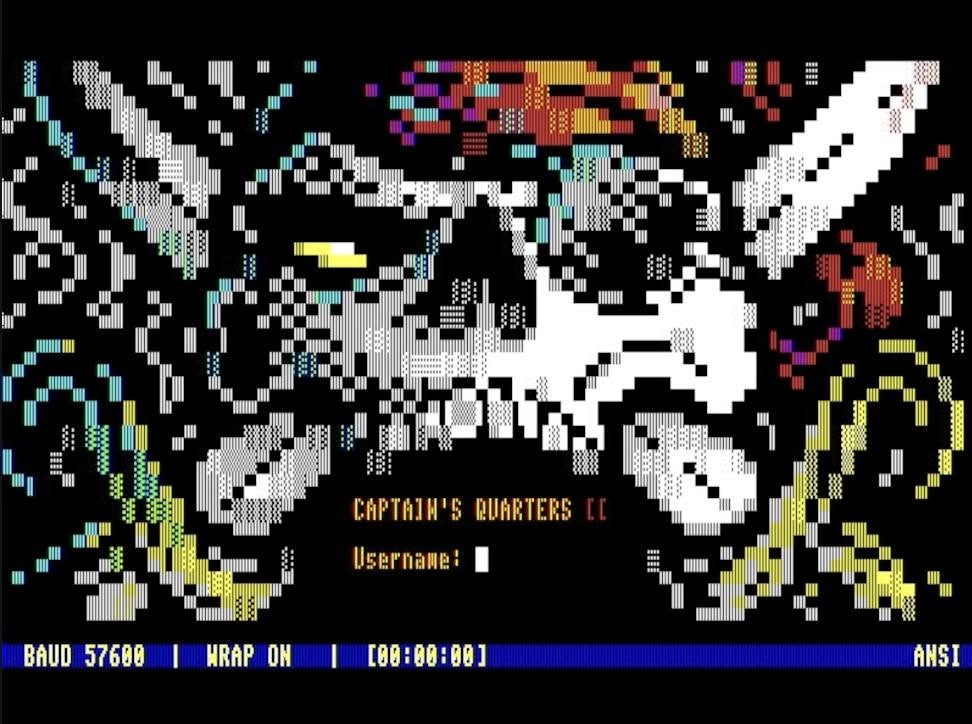
Connect to Apple II BBSs is a 32 MB GS/OS 6.0.3 boot volume put together in November 2026 by Todd Knight, Byte Knight, the sysop of Captain's Quarters I and II BBS. It does one job. Boot it, double-click Spectrum on the desktop, and you are on a telnet BBS. It is a lighter alternative to the Communication Apps hard drive image, which carries every network program.
Marinetti, the CoGS link layer, CDev and NDA, and the Uthernet II link layer are installed, and Spectrum 2.5.8 is set up with its TCP/IP Services list already filled in. In Spectrum, press Open-Apple-W to close the terminal window, then pick TCP/IP, Services and a board. The list has Captain's Quarters and Captain's Quarters II, DJ's Place, Dura-Europas, The Aerodrome, The Brewery, The Land of Confusion, the RMAC Diversi-Dial station, Willamette Apple Connect, PSC and Pro-Kegs. Uncheck Telnet before downloading a file from a board.
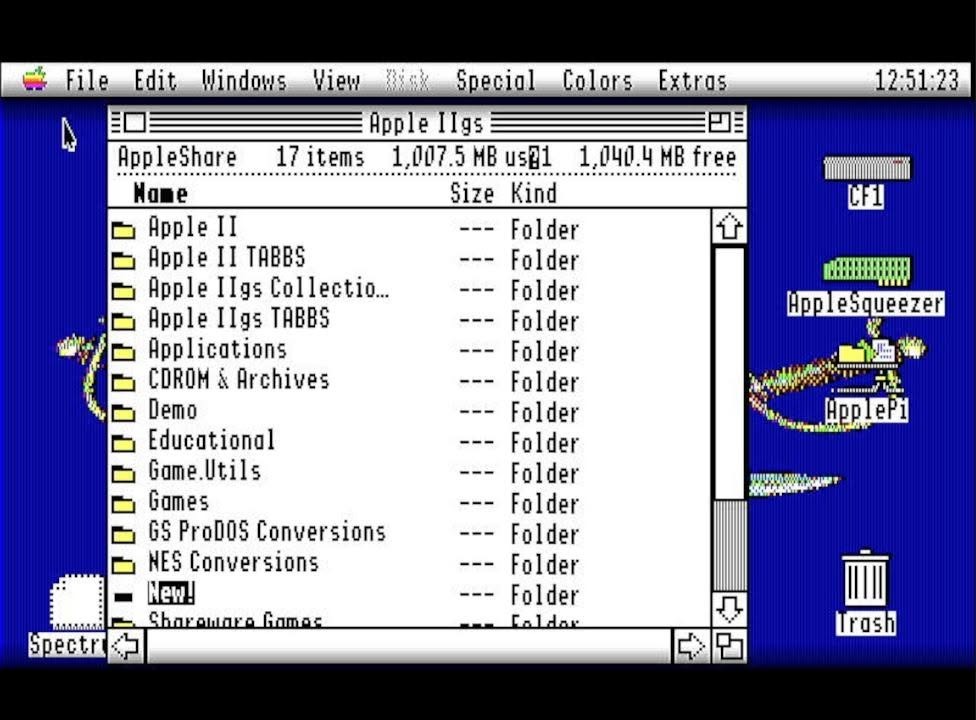
A second desktop icon, CQ.BBS.FS, is a DirectConnect alias to the Captain's Quarters AppleShare file server over TCP. Turn AppleTalk on in the Control Panel first. On a ROM 03 set slot 1 to AppleTalk, and on a ROM 01 set slots 1 and 7, then restart. The Utilities folder has unzip and ShrinkIt tools and a disk image mounter for what you download. There are games for when a board is busy, including the network card game Milestones 2000, Ms. Pac-Man GS, BuGS and Cribbage King. The volume is named CF1, and the README on it is Todd's.
The 8 November 2026 build takes the AppleSqueezer desk accessory off the disk, since the November Squeezer cores carry it themselves, and updates the AppleSqueezer control panel to 2.0. Nothing else changed.
CoGS owners can boot it straight from the card's disk catalog, where it is in Featured next to Communications.
Downloads
- Download hard drive image (32 MB ProDOS .hdv, 4.5 MB zip, 8 November 2026 build)
- In the CoGS disk catalog ↗
Screenshots